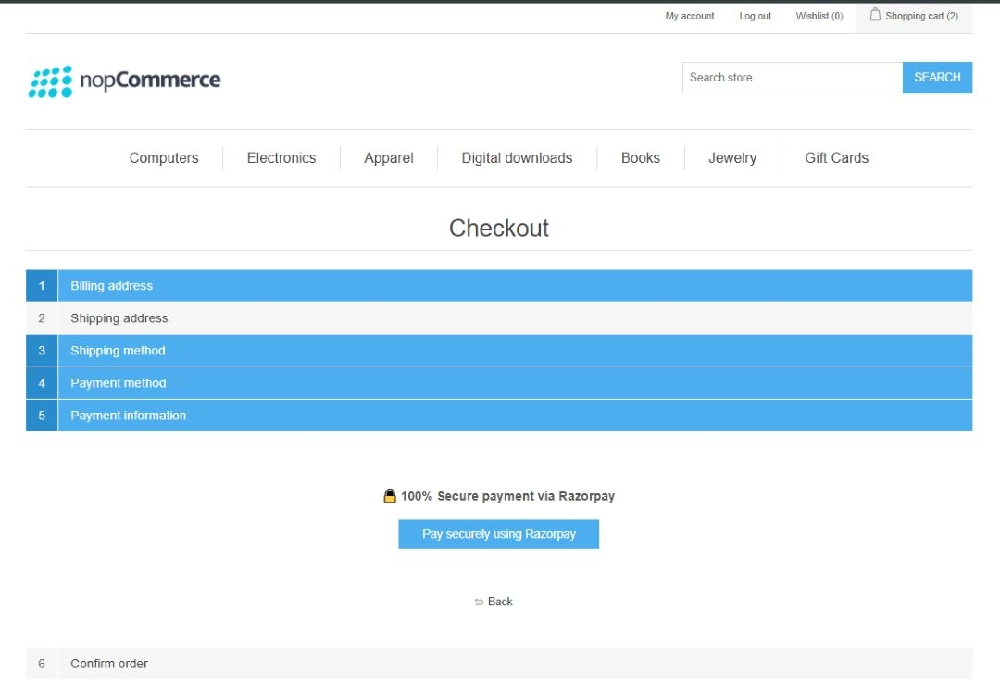
Customer Payment Flow - RazorPay Payment
Buy NowOnce configured, payment works as follows:
Customer Checkout Flow
- Customer adds product to cart
- Proceeds to checkout
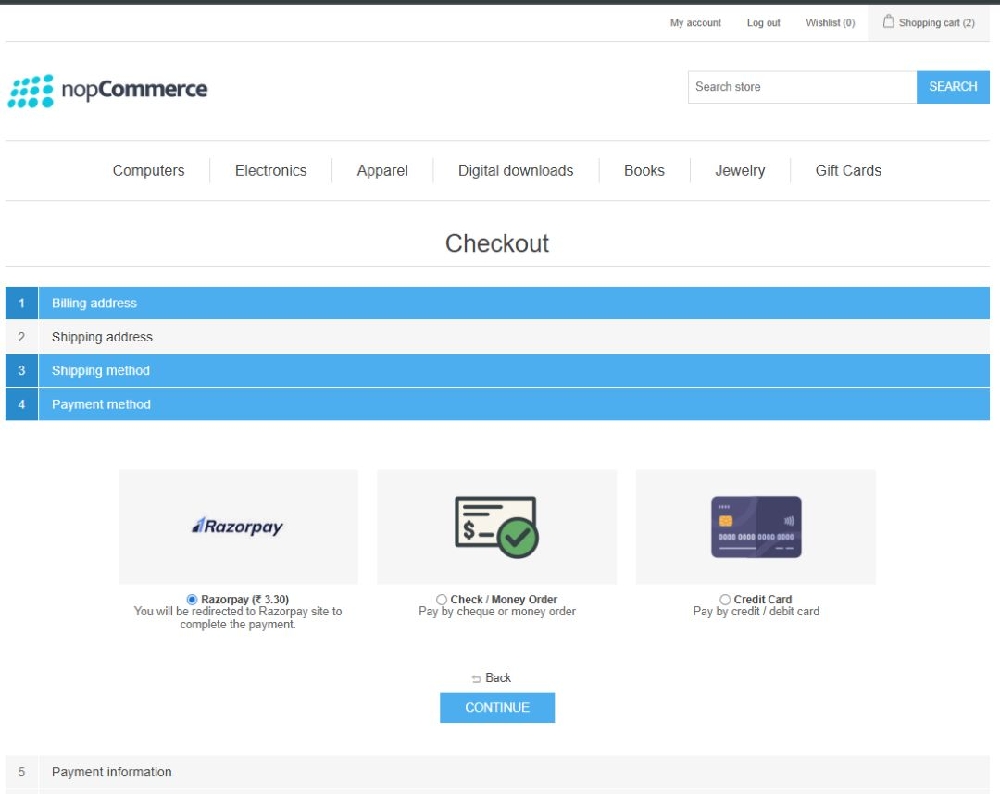
- Selects Razorpay payment method and proceeds
- Confirms order
Based on Payment Mode
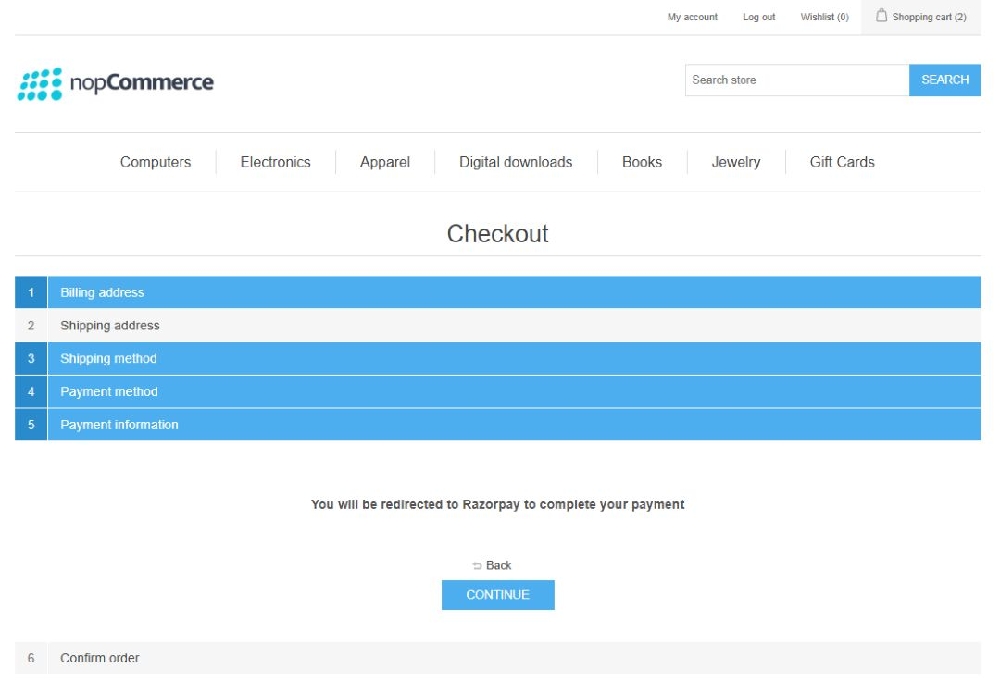
Redirect Mode
- Customer redirected to Razorpay page
- Completes payment
- Redirects back to store
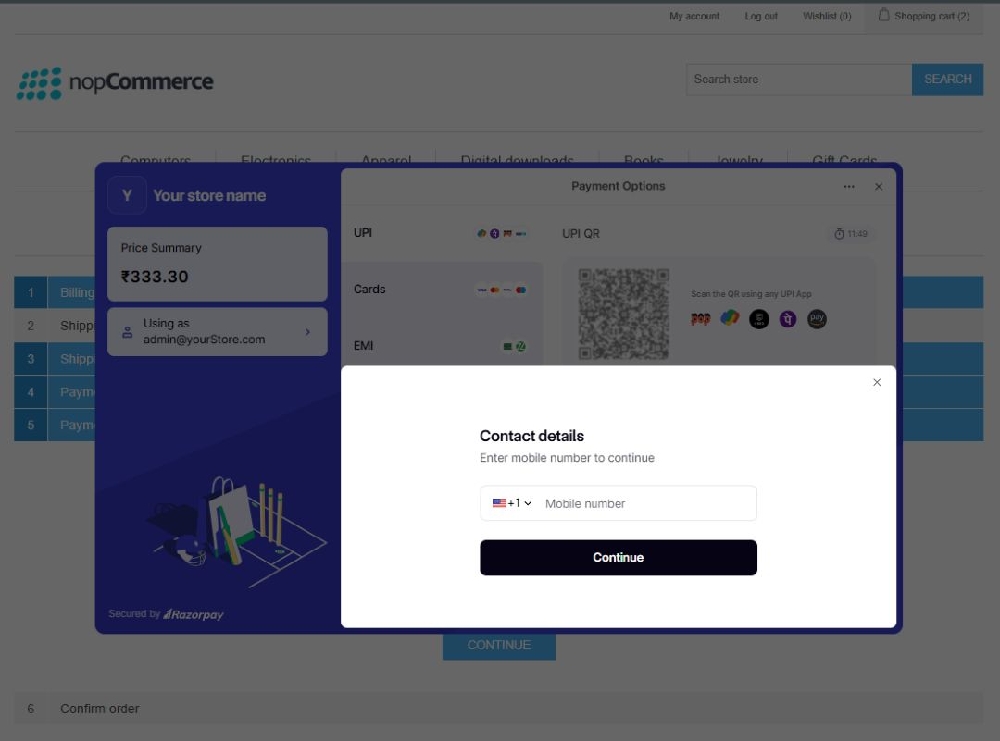
Popup Mode
- Payment opens in popup
- No page redirection