
Customer workflow - Product Customizer & Designer
Buy Now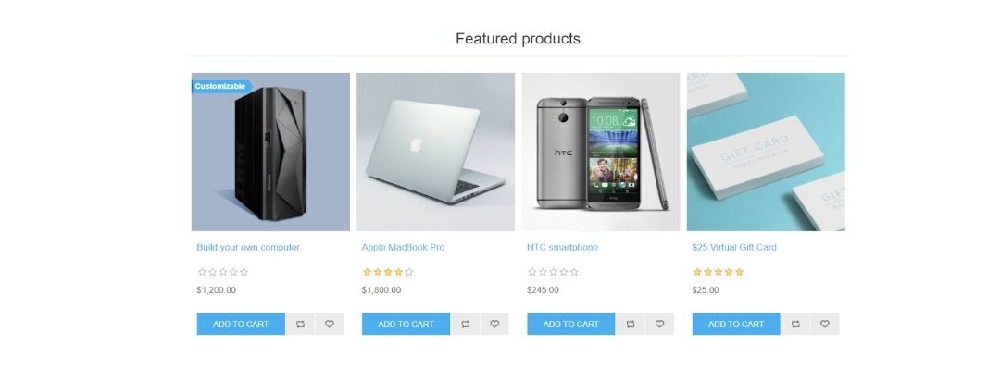
- The customer selects a customizable product from the category or catalog page.
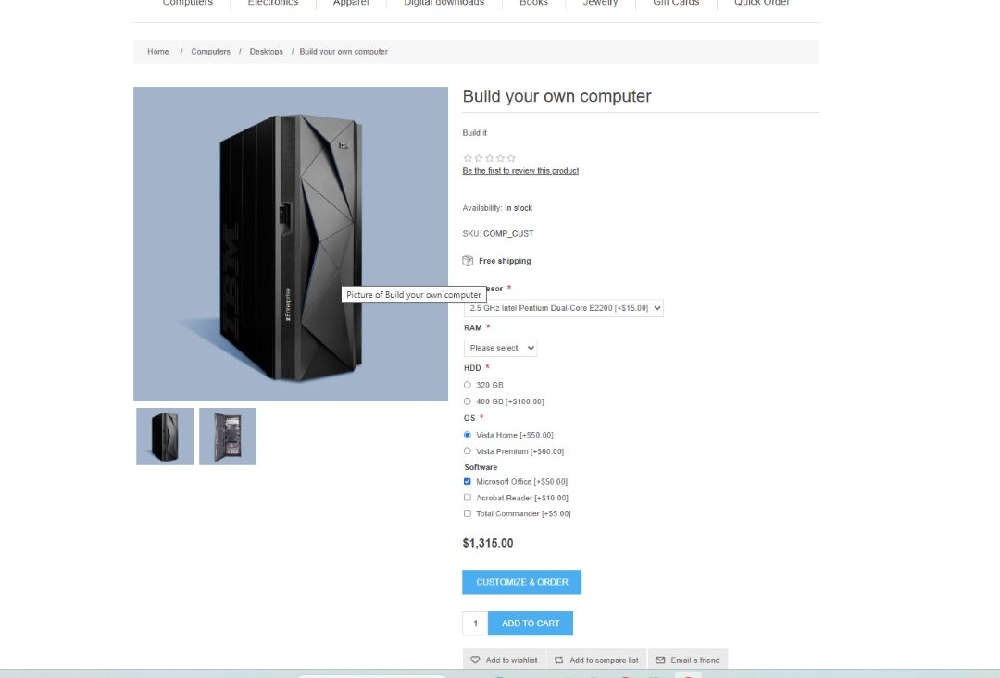
- Customize option is available on the product page
Configurable Picture Selection
- The customer selects a configurable picture (e.g., front or back view).
- The selected picture loads the design area.
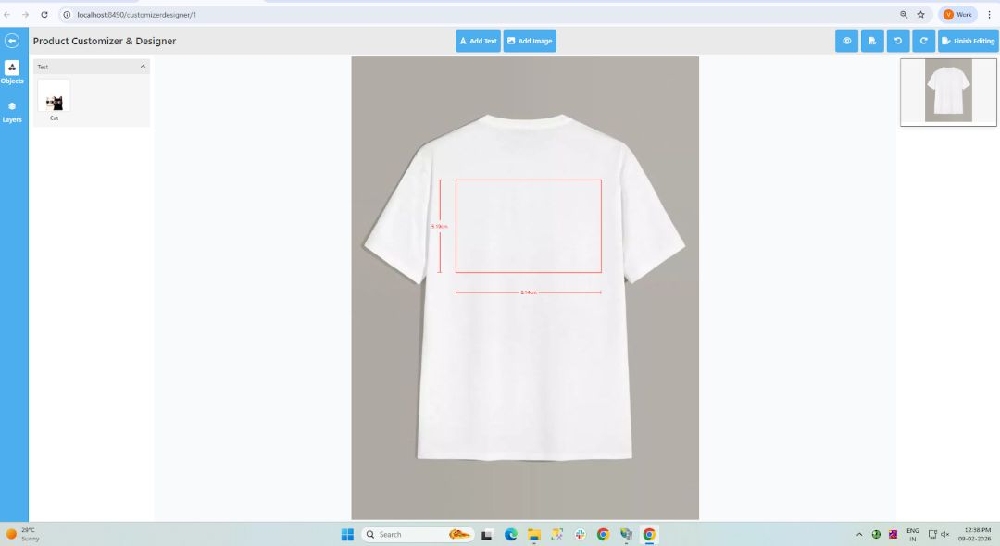
Design Area Display
- The design area is shown on the product image.
- Customers can place designs only inside the allowed area.
Add Text
- The customer adds custom text to the product.
- Text size, position, and alignment can be adjusted.
Add Clipart
- Customer selects clipart from available clipart groups.
- Clipart can be resized, moved, and rotated within the design area as needed.
Preview Customization
- Customer previews the final customized product.
- Ensures design is correct before proceeding.
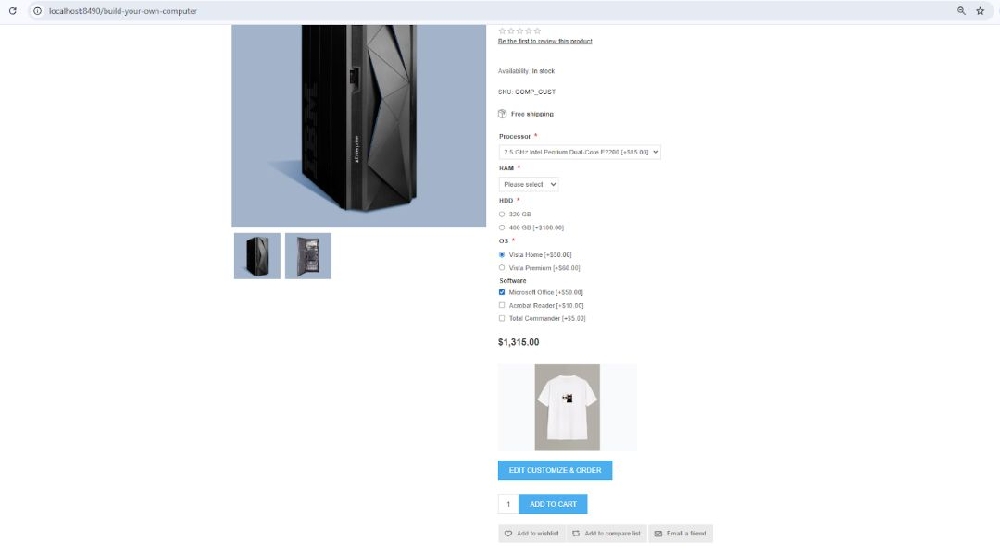
- Customized products are added to the cart.
- Design configuration is saved with the product.
- Customized design details are saved with the order.
- Admin can view the design during order processing.