
Category banners - Glowind
Buy Now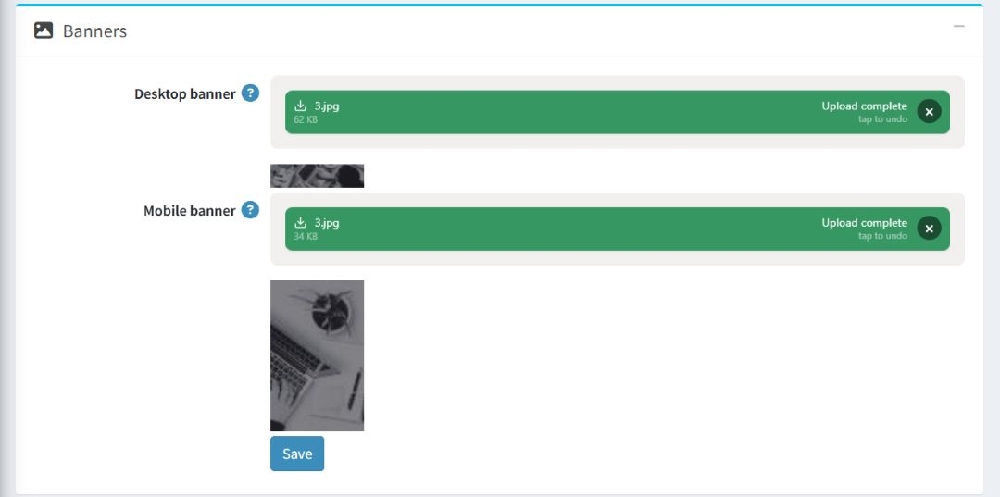
- Desktop Banner : The Desktop Banner is displayed when customers access the store from desktop or large screen devices.
- Mobile Banner : The Mobile Banner is displayed when customers view the store from mobile phones or smaller devices. Mobile banners are optimized for smaller screens to ensure better readability and design.
Save Banner Settings
After uploading the banner images:
- Click the Save button at the bottom of the page.
- Refresh the storefront page to view the updated banner.
Category Page Overview
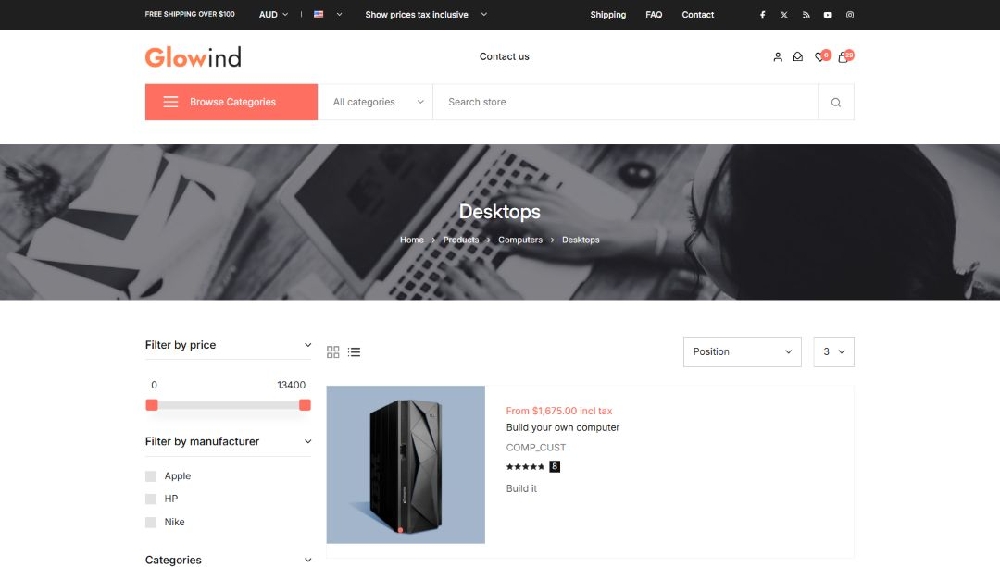
The Category Banner appears at the top of the category page.
Purpose
- Highlights the category visually
- Can be used for promotions or branding
- Improves the overall appearance of the category page
- The breadcrumb navigation shows the path of the current category.