Frontend Features - Extended Product Reviews
Buy Now- Display a “Write a Review” button on the Product Detail Page (PDP) and all review pages, ensuring it is visible alongside the existing reviews.
- Display button to write a new review on PDP and all review pages along with displayed reviews.
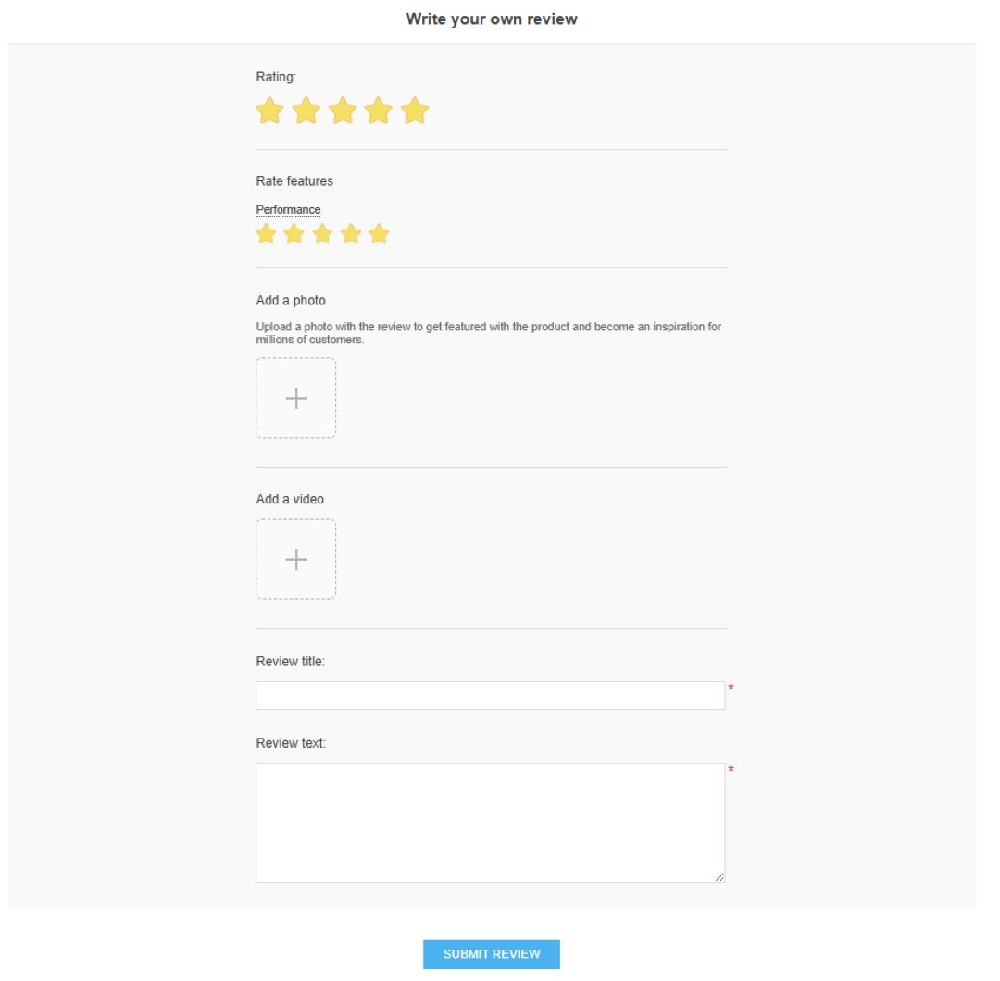
- Display a new page for when you click on “Write a customer review” and “Add new review link from PDP”. This page should contain options to add both pictures and videos.
- Display New page when click on “See all review” link on PDP page.
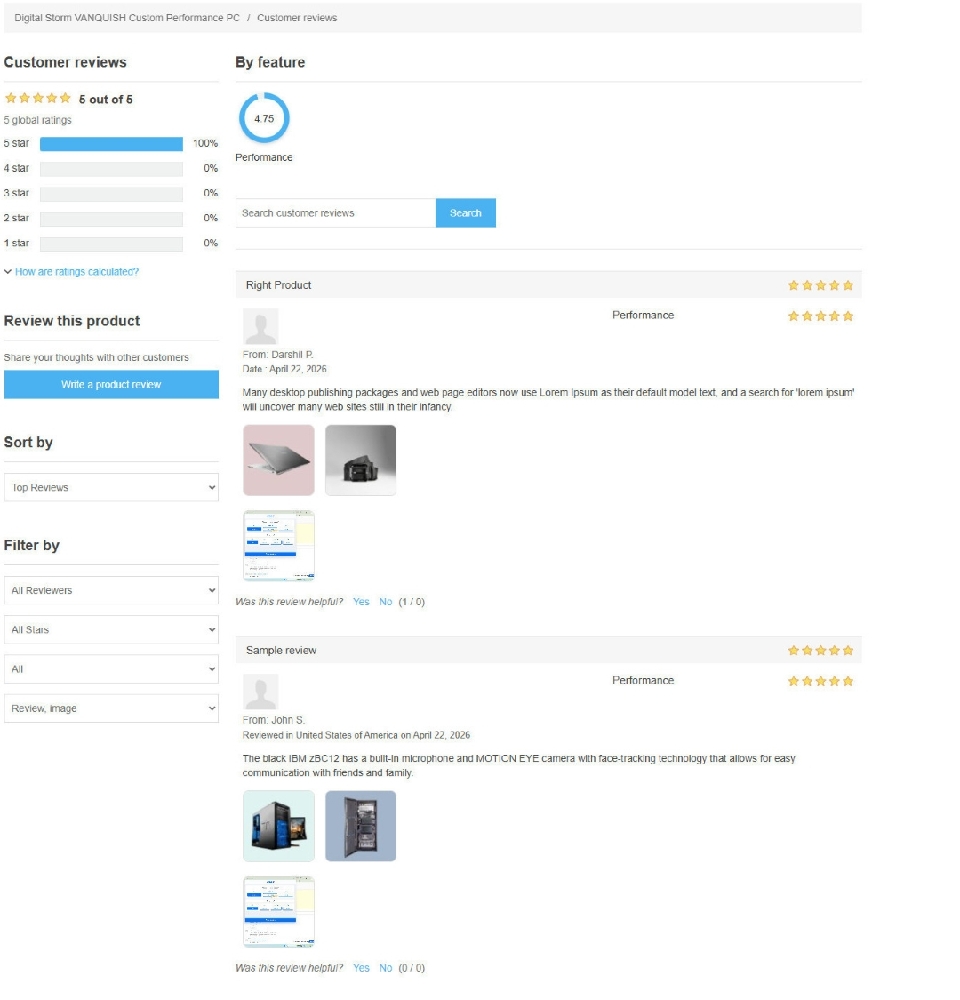
Display sorting options
- Top Reviews, Most Recent Reviews, Most Helpful Reviews, and Most Abused Reviews, by default on the All Reviews page.
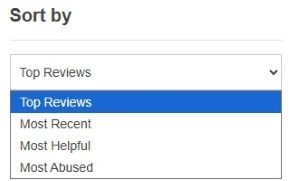
- Display Search bar for searching customer reviews on all reviews page.

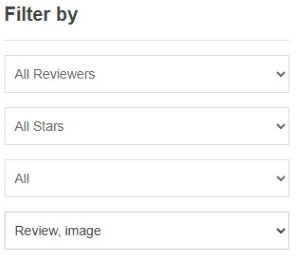
- Display Filter options such as All reviewers , All stars, Review, image on “all review” page
- All reviewers: Allow users to filter reviews by “All Reviews” or “Verified Purchase Only.”
- All stars: Allow users to filter reviews by rating, including One Star, Two Star, Three Star, Four Star, and Five Star options.
- All: Allows users to view all reviews or narrow them down based on positive or critical feedback.
- Review, image: Allows users to view all reviews with review, image and review with image only.
Display review types rating
- Circle: Allow users to view ratings displayed in a circular format.
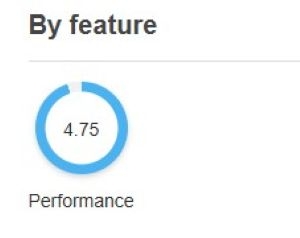
- Star: Allow users to view ratings displayed in a star rating format.

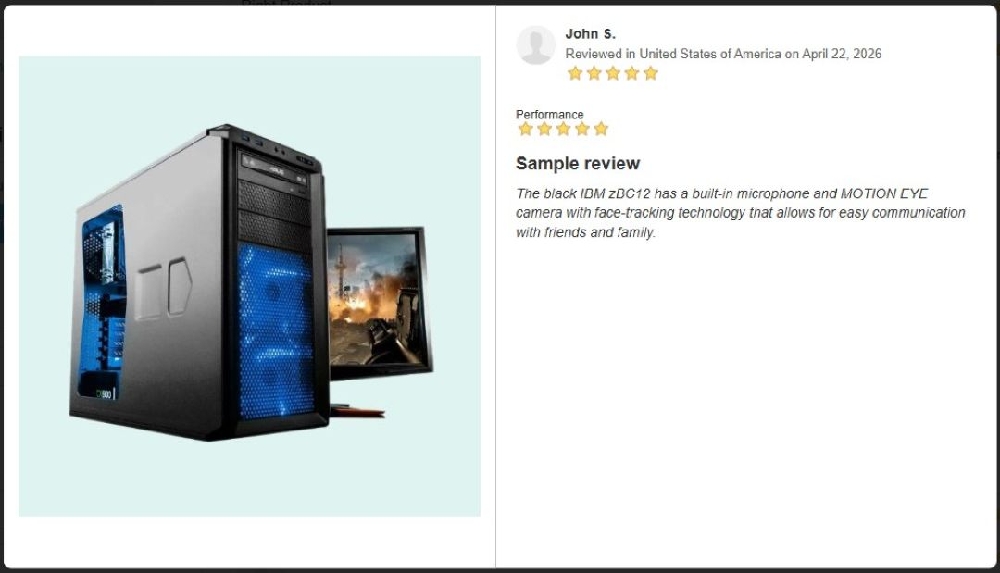
- Display customer review images in a popup along with the review when the number of images exceeds the configured limit.
- (e.g., limit = 3), only the allowed number of images should be shown initially. If the user clicks (or selects “view more”), a popup should open displaying all review images along with the review details for better viewing.
- Display AI Generated from the text of customer reviews
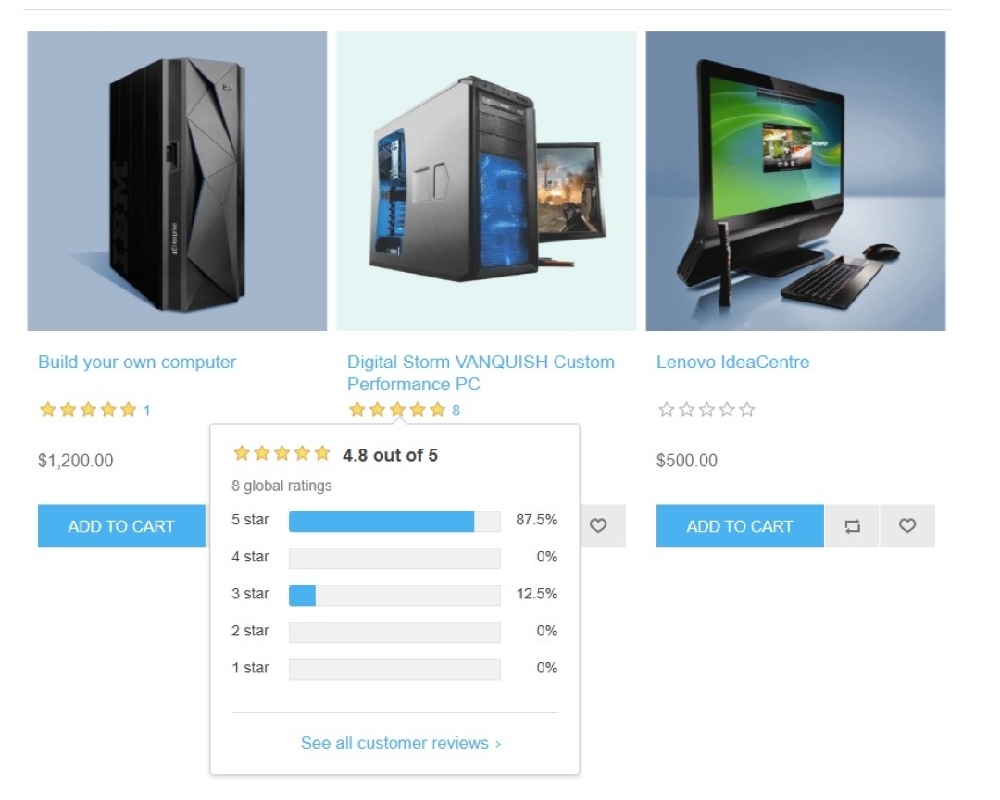
- Display the rating count and review count in the product box and on the Product Detail Page (PDP), positioned next to the star rating.
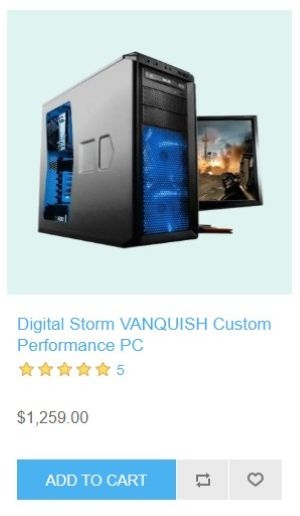
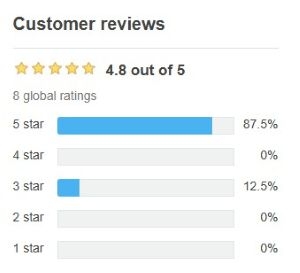
- Display global rating on hover with total global rating on product box and on PDP page.
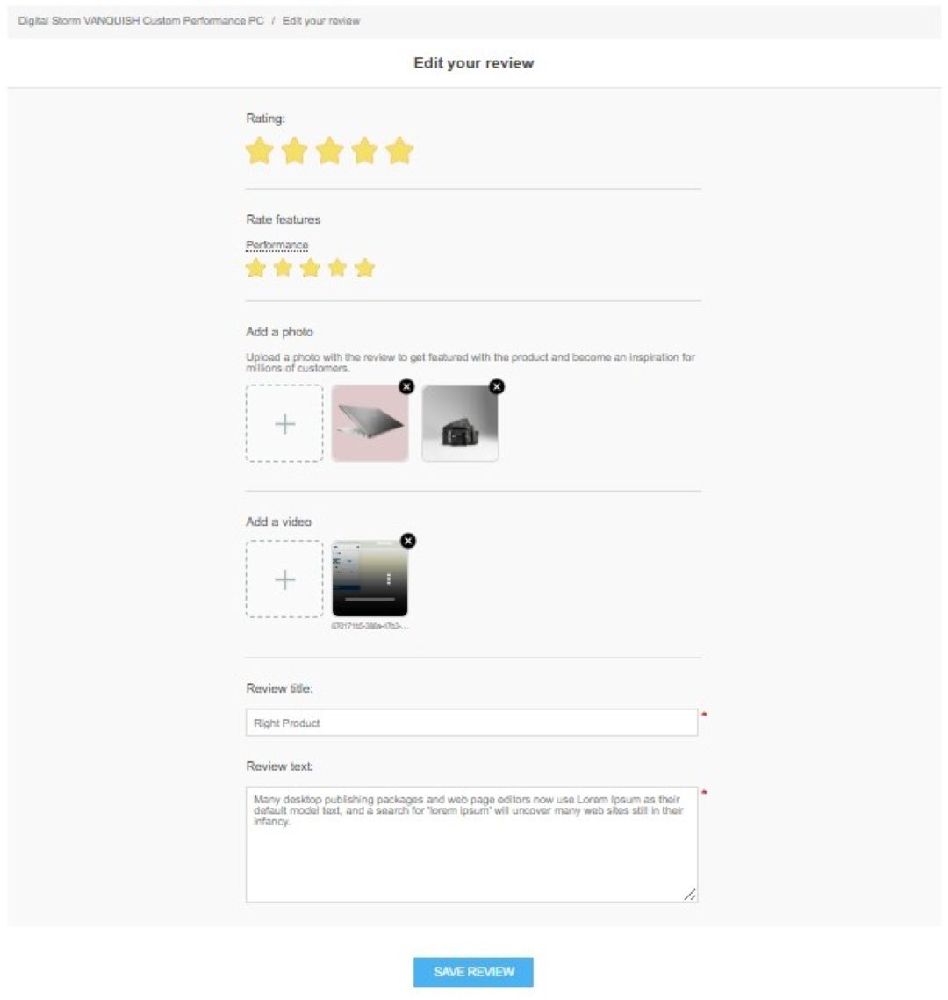
Edit Product reviews
Allow users to edit their submitted reviews, including updating the rating, images, and videos.
My Accounts → My Product Reviews → Click on edit link of the review
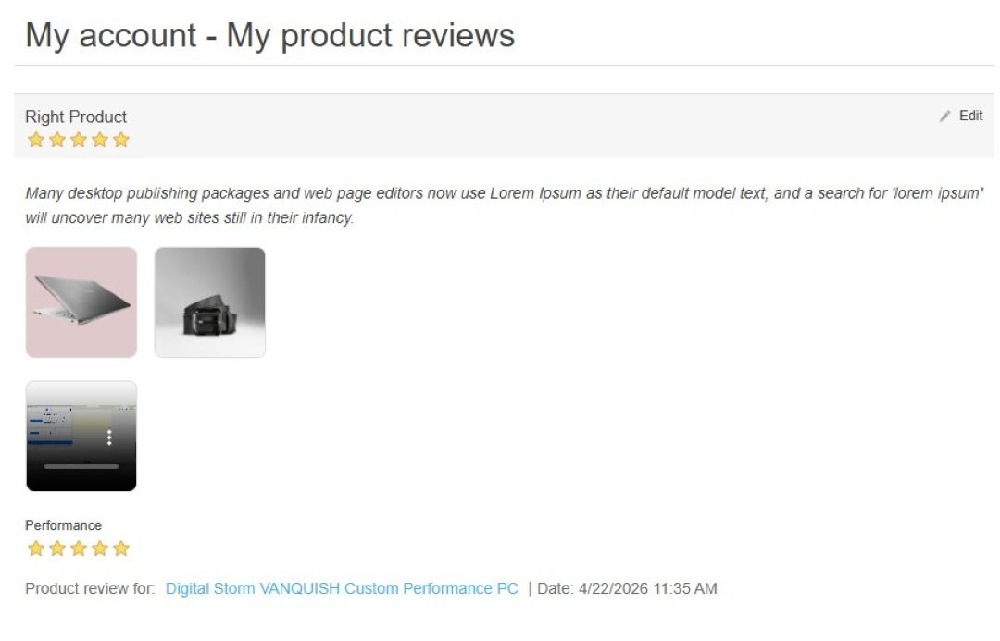
Edit Review page