Installation and Configuration - Extended Product Reviews
Buy NowAll NopAdvance plugins require the NopAdvance.Core plugin to be installed and activated first, as it is essential for proper functionality. Ensure the Core plugin is set up before installing the Extended Product Reviews plugin.
Once installed, the Extended Product Reviews menu will be available in your nopCommerce admin panel under the designated plugin section.
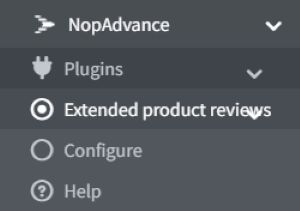
NopAdvance → Plugins → Extended Product Reviews
Plugin Configuration
Clicking the Configure button opens the settings page, where administrators can manage review behavior, AI summaries, media options, caching, and display settings.
The configuration is divided into logical sections for ease of use.
Common Setting
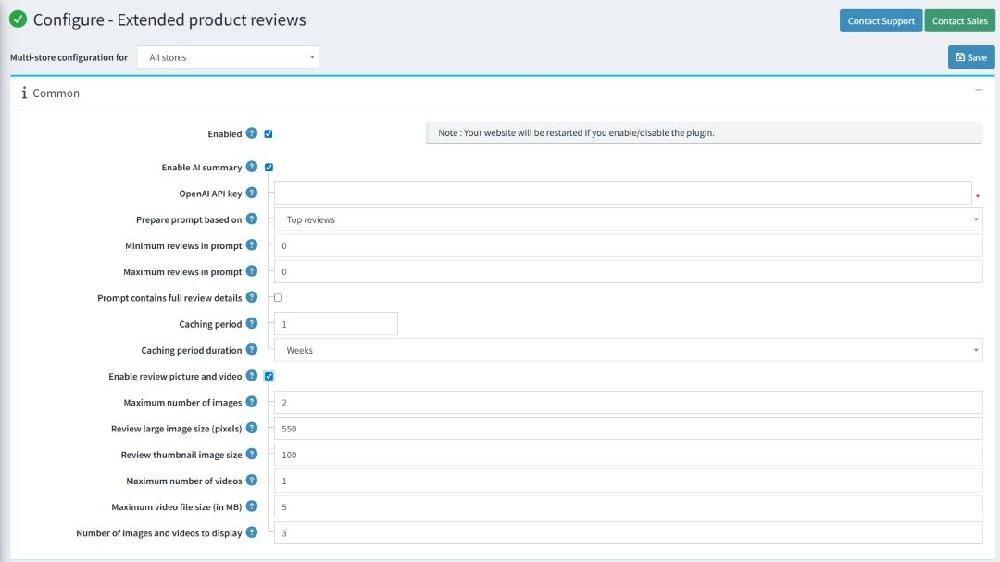
- Enabled: Enables or disables the Extended Product Reviews plugin.
- Note: Enabling or disabling the plugin will restart the website.
- Enable AI Summary: Allows AI-powered summaries to be generated based on customer reviews.
- OpenAI API Key: Enter your OpenAI API key to enable AI-generated review summaries.
- Prepare prompt based on: Defines how reviews are selected for AI summary generation (e.g., top reviews, most recent reviews).
- Minimum reviews in prompt: Specifies the minimum number of reviews required to generate an AI summary.
- Maximum reviews in prompt: Defines the maximum number of reviews included in the AI prompt.
- Prompt contains full review details: When enabled, full review content is included in the AI prompt for more accurate summaries.
- Caching period: Sets the duration value for caching AI-generated review summaries.
- Caching period duration: Defines the time unit (days, hours, etc.) for the caching period.
Review Media Settings
- Enable review picture and video: Allows customers to upload images and videos along with their reviews.
- Maximum number of images: Defines the maximum number of images a customer can upload per review.
- Review large image size (pixels): Sets the maximum display size for large review images.
- Review thumbnail image size: Defines the size of thumbnail images used in review listings.
- Maximum number of videos: Specifies the maximum number of videos allowed per review.
- Maximum video file size (in MB): Controls the maximum upload size for review videos.
- Number of images and videos to display: Defines how many media files are displayed per review.
Display Settings
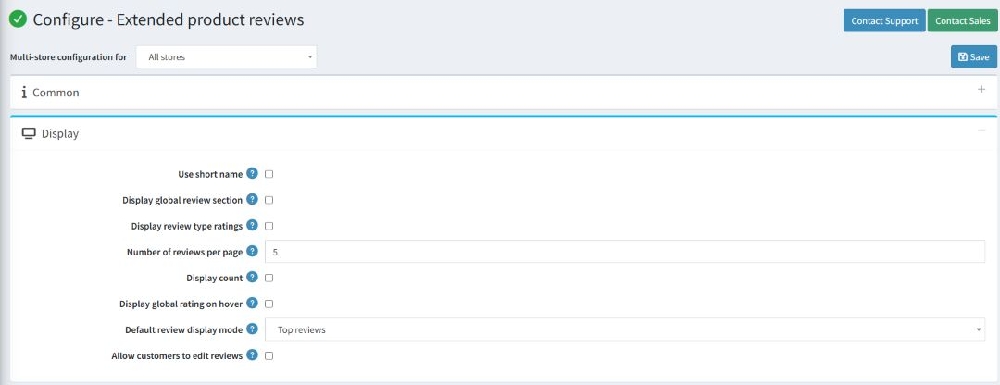
- Use short name: Displays shortened customer names to ensure privacy and maintain a clean, user-friendly interface.
- Display global review section: Enables a global review summary section on the product page, providing an overview of customer feedback.
- Display review type ratings: Displays ratings grouped by review type for clear and concise understanding.
- Use circles: Displays rating indicators using circular visuals instead of standard stars.
- Number of reviews per page: Controls how many reviews are displayed per page.
- Display count: Shows the total number of reviews for the product.
- Display global rating on hover: Displays global rating details when users hover over the rating area.
- Default review display mode: Defines the default sorting of reviews (e.g., most recent, highest rating).
- Allow customers to edit reviews: Enables customers to edit their submitted reviews (if permitted).
- And, while editing a product, the admin can map individual review types from the product edit page.
Product detail page Panel (Display):
- Editing a product, the admin can map individual review types from the product edit page.
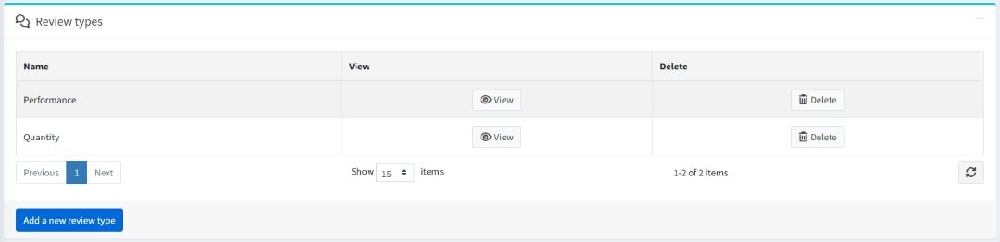
- Display reviews per product in product edit page.

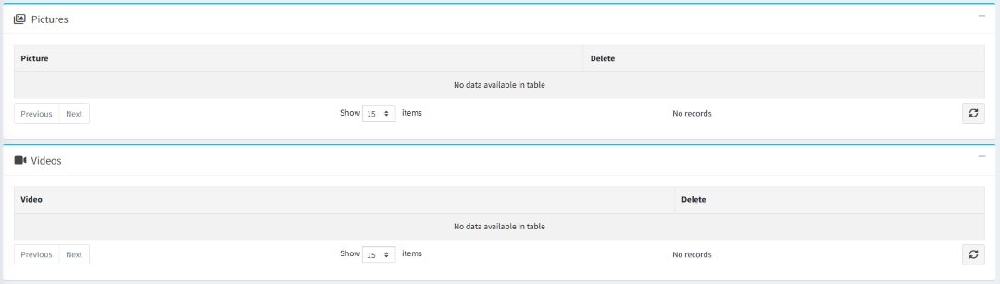
- Display review picture and videos in edit product review details page.
Admin features
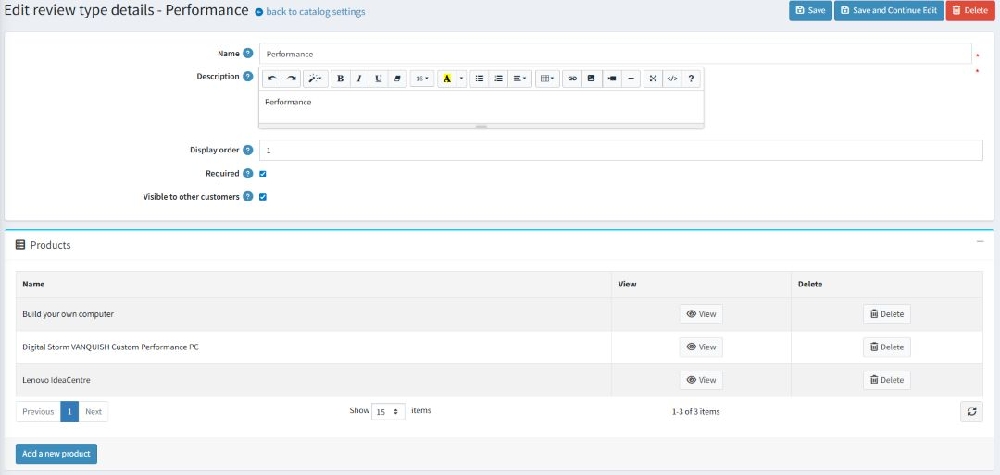
- Allow admin to add / manage products per review type while editing a review type.